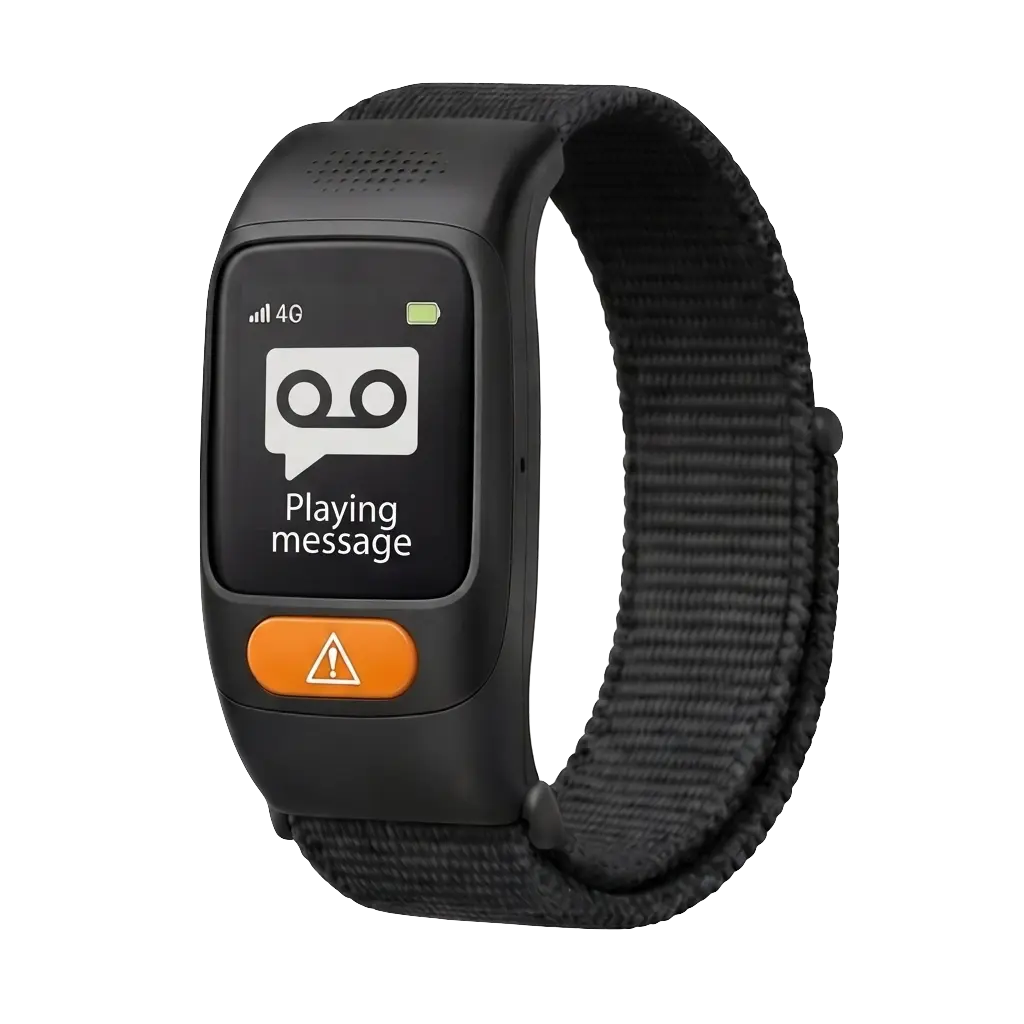
Care Circle Watch
Daily subscription
0.99 EUR
149.00 EUR
Quantity
1
Daily subscription
Quantity

See how family members can keep track of an older loved one wearing the CareCircle watch. These six example screens show the core flow from quick daily check-ins to alerts and follow-up.
Mobile app walkthrough
Both versions focus on the same everyday tasks: checking in quickly, seeing alerts clearly, sharing updates with family, and understanding how the watch wearer is doing throughout the day.
Both versions use the same six example screens, so the flow feels familiar even though the layouts can follow iPhone and Android conventions.
iPhone preview
This version shows a clean iPhone experience with live watch status, fast alert triage, and a calm overview of your loved one's day.
Screen 01
The caregiver lands on a simple home screen that quickly shows whether the watch wearer is safe, connected, and moving through the day as usual.
Screen 02
A dedicated location view helps families see where the watch wearer is, whether they are at home, out for a walk, or on the way to a familiar place.
Screen 03
When something unusual happens, the app should make it clear what happened, when it happened, and what the caregiver needs to do next.
Screen 04
This screen turns watch data into an easy-to-read story, helping caregivers understand changes in activity, rest, and day-to-day wellbeing.
Screen 05
Family members can coordinate without stepping on each other, making it clear who is responding and what has already been handled.
Screen 06
The walkthrough ends with a timeline view that helps caregivers review the week, revisit incidents, and see the bigger picture at a glance.
Enter your email to receive a guided tour and onboarding checklist.