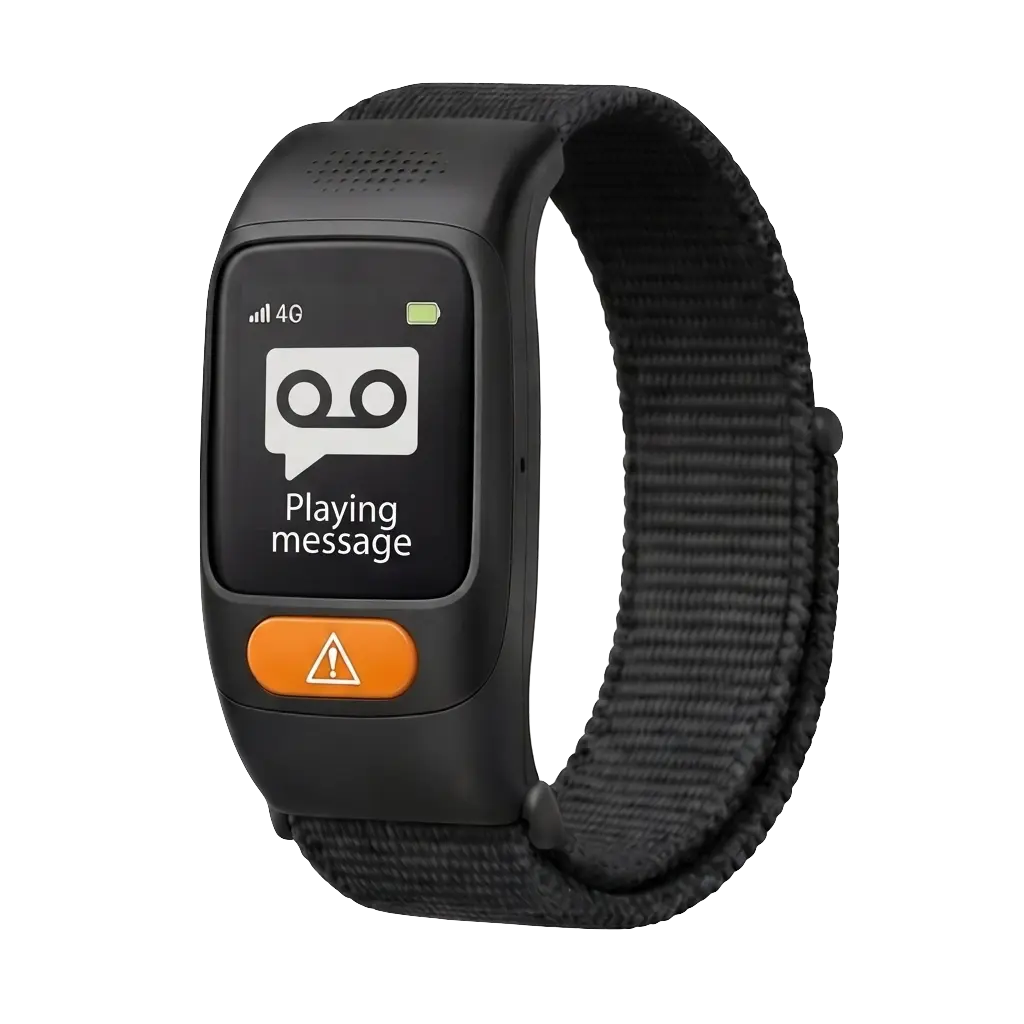
Care Circle Watch
Daily subscription
0.99 EUR
149.00 EUR
Quantity
1
Daily subscription
Quantity
This initial page introduces the CareCircle watch experience for older adults. It walks through six example features that help caregivers follow the wearer's safety, movement, and daily status without adding complexity for the person wearing it.
Care Watch
Each section below pairs the current watch reference image with a placeholder visual treatment so the product story is clear now and easy to replace with final renders later. The focus is on emergency support, location awareness, wellness signals, and everyday readiness.
These six sections outline the core product story for the elderly wearer and the people supporting them. The visuals use the current watch image as a placeholder so the page can ship now and be refined later.
Feature 01
The most important interaction is also the simplest. A large front-facing emergency button gives the wearer one clear action when they need help, even during stress or confusion.
Feature 02
Caregivers can see where the elderly wearer is during walks, errands, or unexpected movement. That gives families reassurance without forcing constant check-in calls.
Feature 03
Families can define home and other routine destinations, then get alerted if the wearer leaves an expected area or does not arrive where they should.
Feature 04
A second layer of protection matters when the wearer cannot press the SOS button themselves. Fall detection can trigger an alert after a sudden incident and help the care circle react faster.
Feature 05
Baseline wellness signals such as heart rate and step activity help families understand how the wearer is doing over time, not just during emergencies.
Feature 06
The watch only helps when it is charged and connected. This feature keeps caregivers aware of battery level, 4G signal, and whether the device is ready for the next day.
Next steps
This first version is meant to explain the wearable product story clearly while final photography, UI states, and richer hardware details are still being developed. The same structure can expand later with setup steps, caregiver notifications, and more detailed technical specifications.
Enter your email to receive a guided tour and onboarding checklist.